The Product Decisions Behind SmartStockCap
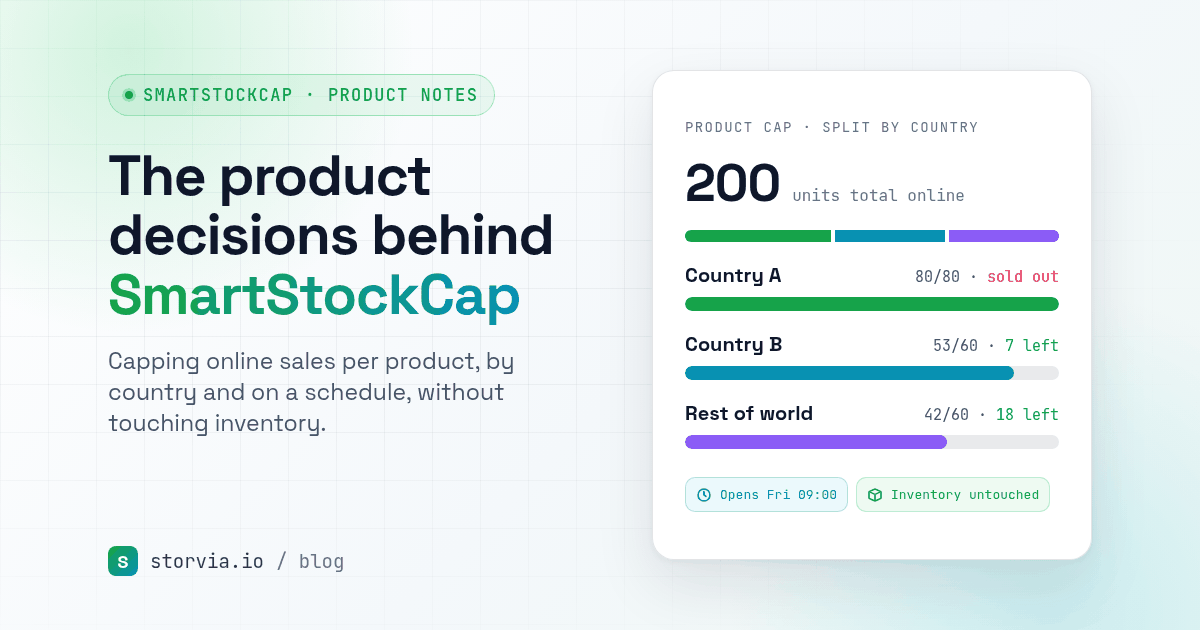
Why SmartStockCap caps online sales per product, by country and on a schedule, enforces the cap at checkout, and never touches your inventory.
On this page
- The problem: stop selling at a number, not at zero
- Decision 1: never touch inventory
- Decision 2: one cap per product, across all variants
- Decision 3: enforce it at checkout, not just by hiding the product
- Decision 4: split one stock pool by country
- Decision 5: schedules in your store's time zone
- The rules behind it
I build Shopify apps under the name Storvia Apps, and SmartStockCap is one of them. It isn't the first app in its category, and that is fine. What I want to share here is the thinking behind it: the small product decisions that are easy to miss on a listing page, and the merchant problem that pushed me toward it.
The problem: stop selling at a number, not at zero
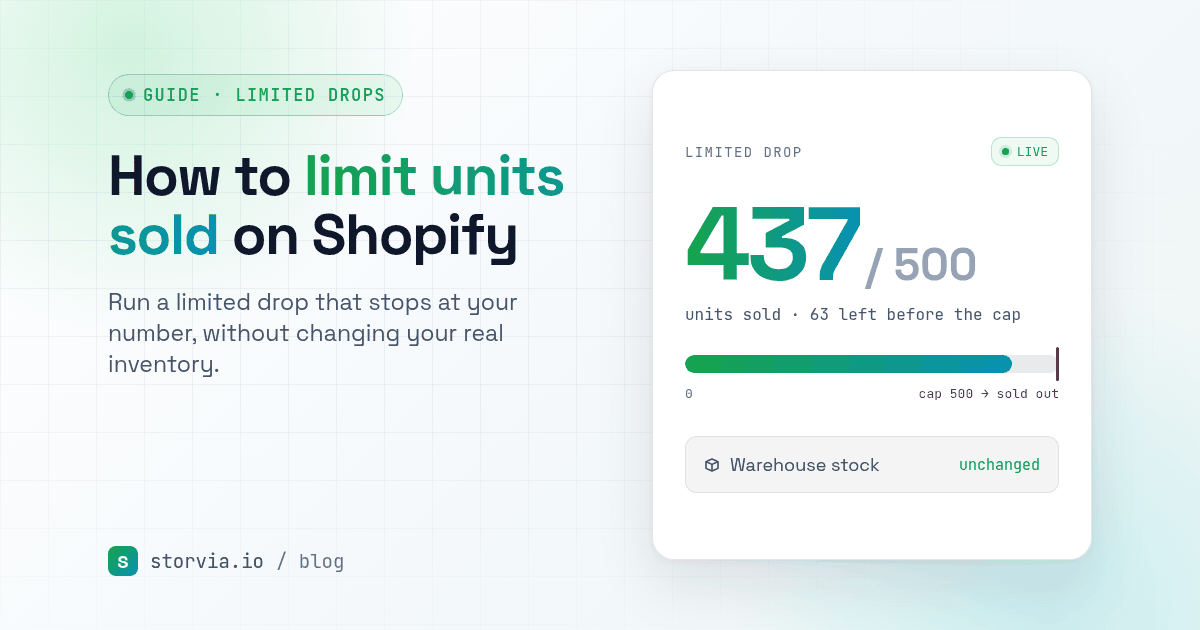
The problem started with limited drops. A merchant has 100 units of a new tee, wants to sell 50 online this week, and keep the rest for a market stall, a wholesale order or gifts for the team. Shopify sells until inventory hits zero. So the usual workaround is to lower the inventory count to 50, then remember to put the other 50 back later. That works until it doesn't: the numbers drift, the warehouse count no longer matches reality, and the leftover stock gets oversold or forgotten.
Decision 1: never touch inventory
This was the first rule I set and I have not changed it. SmartStockCap counts units sold online and stops sales when your cap is reached, but your inventory stays exactly as it is. The app doesn't even ask for inventory access. Leftover units stay available for draft orders, gifts or wholesale, and your stock count keeps telling the truth.
It also counts in both directions. When an order is cancelled, refunded or edited, those units go back toward the cap, so one cancelled order doesn't quietly eat a slot in your drop.
Decision 2: one cap per product, across all variants
Merchants think about a drop as "50 tees", not "8 small black, 12 medium black, and so on". So the cap counts units across every variant of a product. You set one number and the app tracks it, whatever mix of sizes and colours people buy.
Decision 3: enforce it at checkout, not just by hiding the product
The first version of the app simply unlisted the product once the cap was reached. That turned out not to be enough. Hiding a product doesn't stop a shopper who already has it in their cart, or one who taps an express button. So SmartStockCap now adds a checkout rule that blocks units over the cap, including Buy it now and express checkouts, and tells the buyer why with a clear message. Unlisting is still there, but as an option for when a product is sold out everywhere, not as the only safety net.
I also want to be honest about the edges. Shopify's checkout rules don't cover POS, orders created through the API, or order edits. Those orders still count toward the cap, but the app can't block them before they're placed.
Decision 4: split one stock pool by country
This one came from stores that ship to several countries but only have so much stock for each market. Instead of creating separate products, you split one cap by country, for example Australia 30, New Zealand 20 and the rest of the world 50. You can also block other countries entirely. When a region runs out, a product page notice can say "Sold out in your region" instead of letting the buyer find out at checkout.

Decision 5: schedules in your store's time zone
Drops happen at a time, and that time is the merchant's, not the server's. Caps can start and end on a schedule, set in your store's time zone, so a 9 AM launch means 9 AM where you are.
SmartStockCap is free, with no paid plans.

The rules behind it
Looking back, a few rules shaped the app. Don't change the merchant's data behind their back: SmartStockCap leaves inventory alone. Put the limit where it can actually be enforced, which usually means checkout. And be clear about the edges, like a POS order a checkout rule can't block.
The app is still young, and most of what is in it came from reading what merchants say hurts: in forums, in reviews and in support threads. If you run drops or ship across borders, I would like to hear how you handle it today. You can reach me at contact@storvia.io.
- SmartStockCap on the Shopify App Store
- Related guide: How to limit how many units of a product sell on Shopify
- Read next: The product decisions behind OrderGuard
The Storvia team